

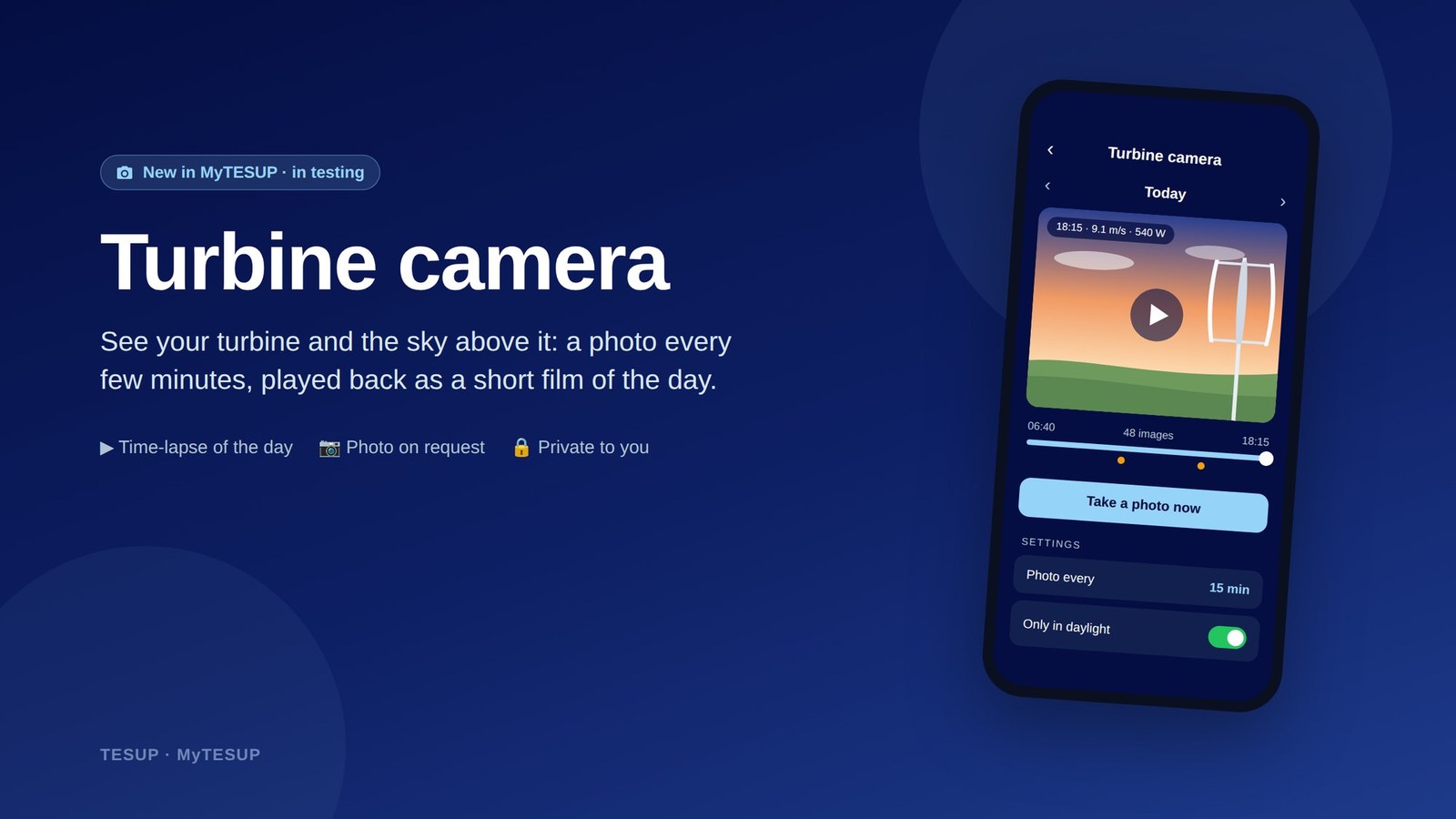
We’re testing a new feature in MyTESUP: the TESUP turbine camera. It shows you your turbine and the sky above it, next to the wind and power figures you already follow in the app.
See your turbine’s day
Numbers tell you what your turbine did. The turbine camera lets you see it.
Through the day, the camera takes regular pictures of your turbine and the sky. On the Camera page in MyTESUP, you can play a whole day back as a short time-lapse.
Each picture comes with the wind speed and power at the moment it was taken. You can watch the weather change and see how your turbine responded.
How it works
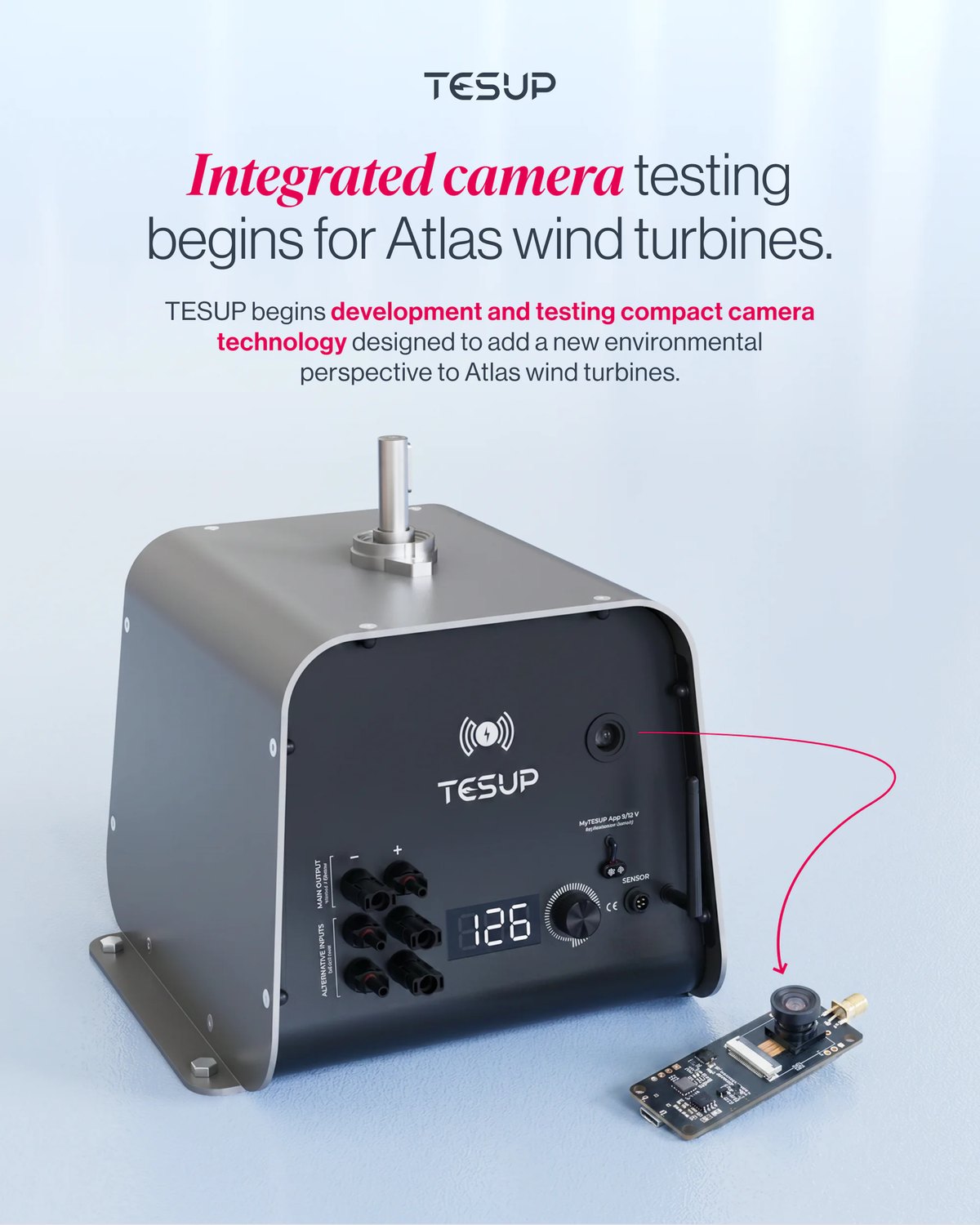
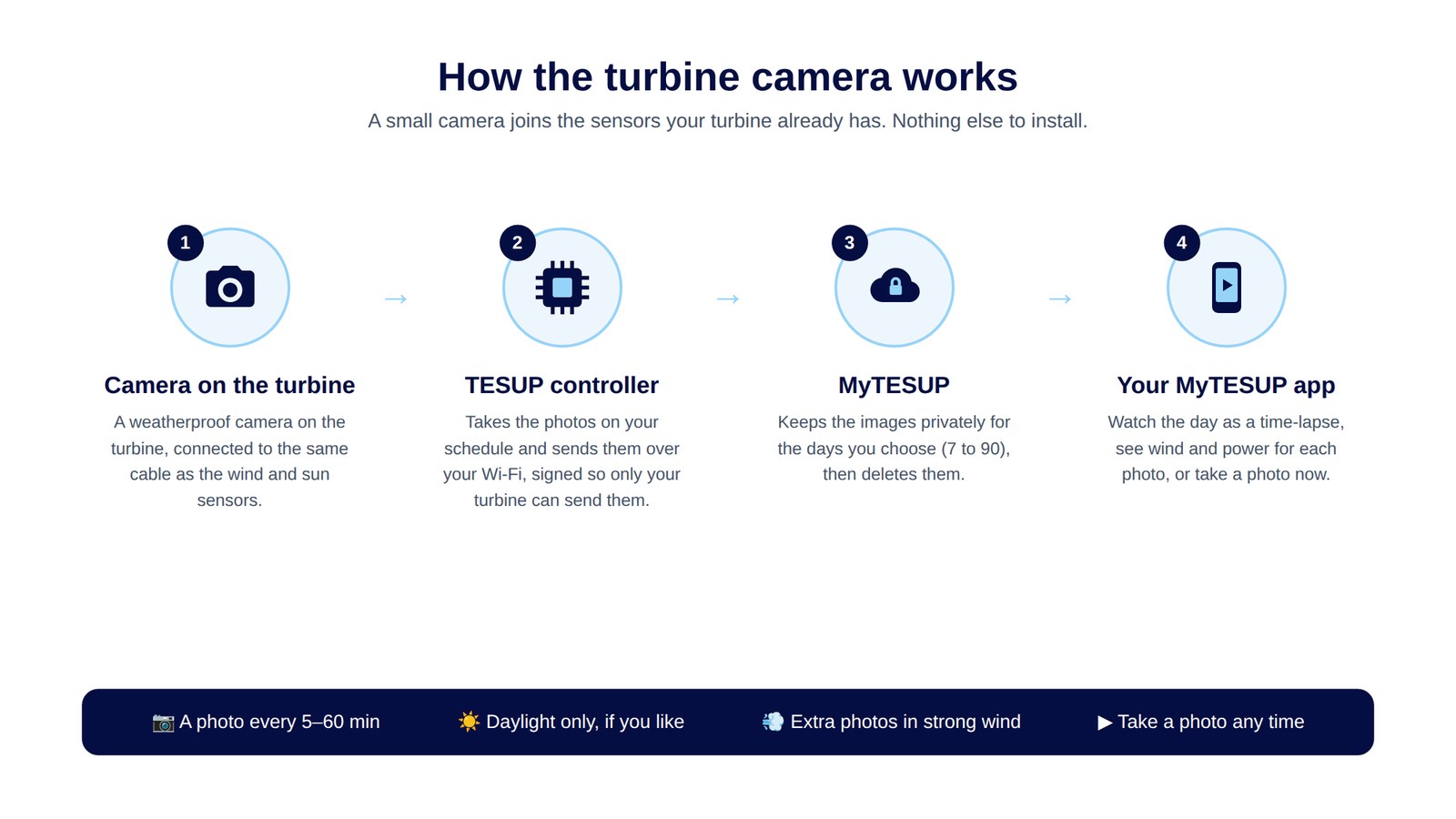
A small weatherproof camera fits into the turbine’s electronics: into the body of the Atlas, where it looks out through the front panel, into the Magnum’s charge controller, and into the Wizard. It joins the wind and sun sensors on the same sensor cable through a short Y-cable, so the board and the existing sensors stay as they are. There is nothing else to install.
Your TESUP controller takes a picture every 5, 10, 15, 30 or 60 minutes. You can choose daylight only, and it adds extra pictures when the wind is strong.
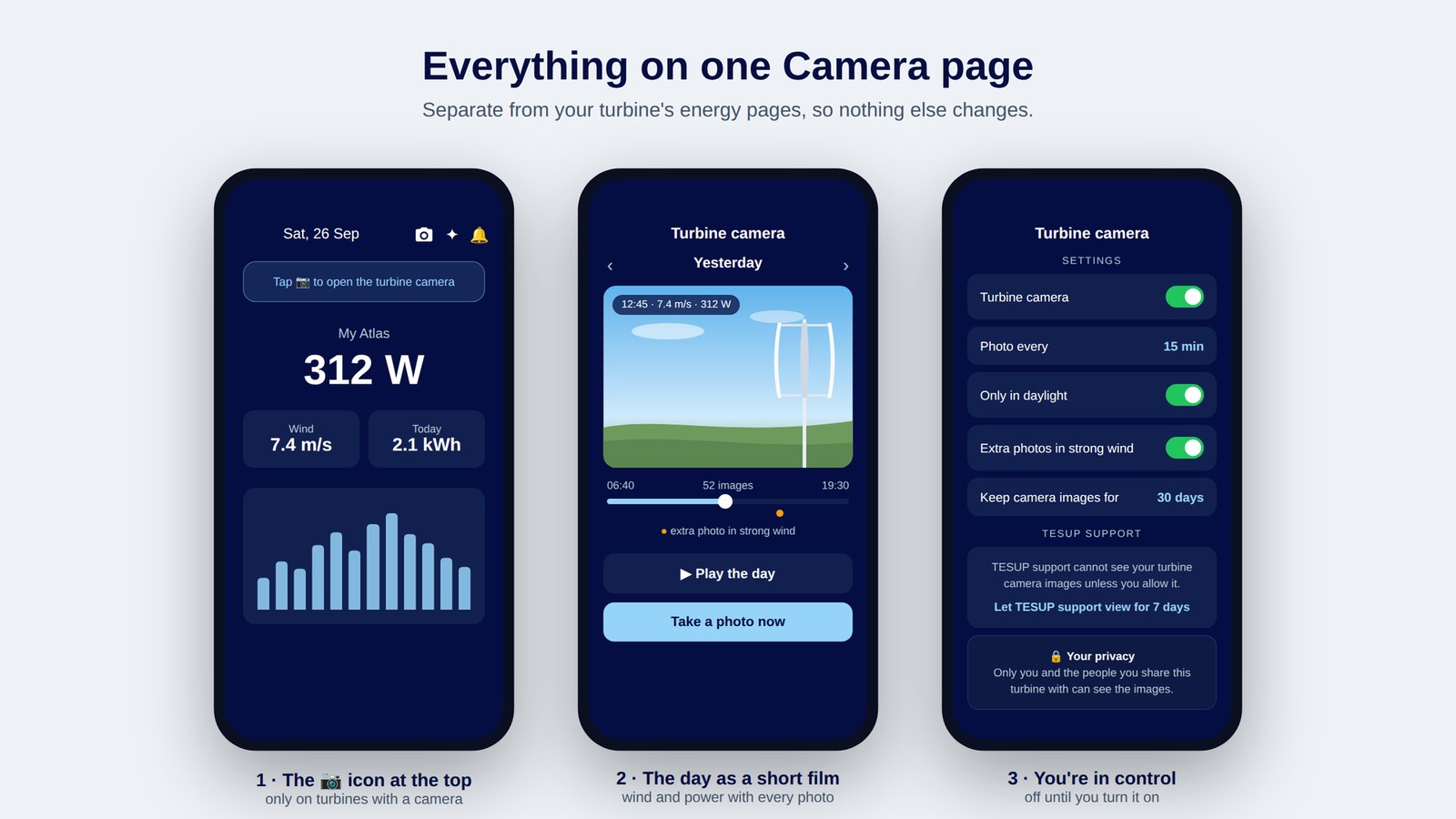
In the MyTESUP app, a camera icon at the top of the home screen opens a separate Camera page. There you can:
- play back a day as a short time-lapse, with the wind speed and power for each picture
- go back day by day
- tap “Take a photo now”; the picture arrives within about two minutes
You’re in control
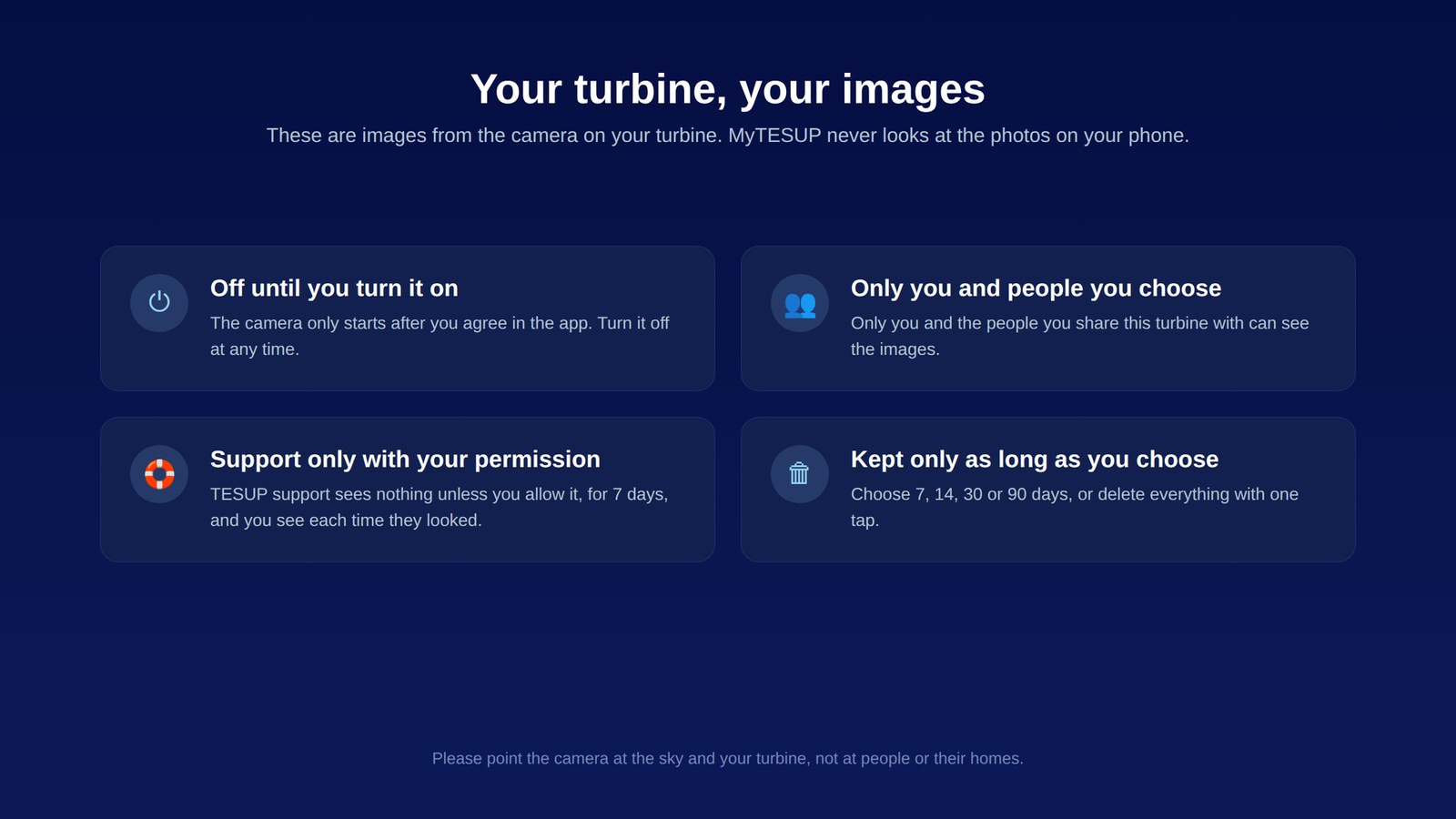
The turbine camera is off until you turn it on and agree in the app. You can turn it off at any time.
You decide how often it takes a picture and whether it works in daylight only. You also choose how long your turbine camera images are kept: 7, 14, 30 or 90 days.
If you want a clean slate sooner, you can delete them all with one tap.
Your privacy
Only you and the people you share your turbine with can see the turbine camera images.
TESUP support can’t see them either, unless you allow it in the app. That access lasts 7 days. You can stop it at any time, and you can see each time support looked.
These are images from the camera on your turbine. MyTESUP never looks at the photos on your phone.
One request from us: please point the camera at the sky and your turbine, not at people or their homes.
Coming soon
The turbine camera is in testing now, starting with the Atlas. It will be an option on the Atlas, on the Magnum’s charge controller and on the TESUP Wizard. We don’t have a date or a price yet.
Whether you already own a TESUP Atlas or Magnum or are thinking about buying one, we’d love to hear from you. Contact TESUP to register your interest.