

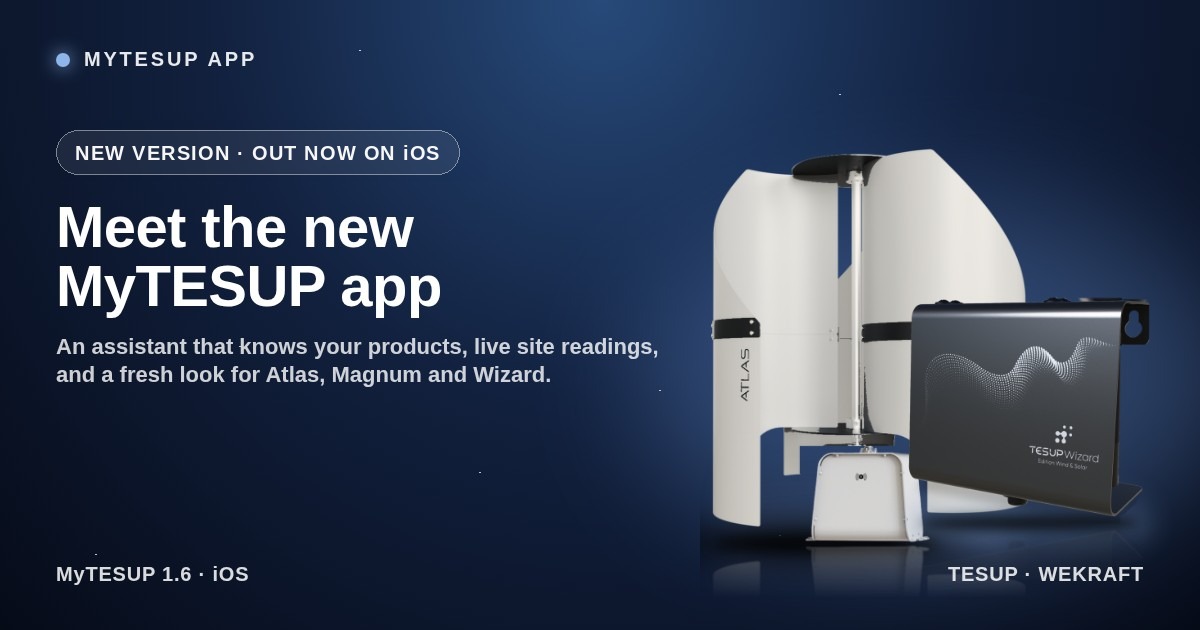
The MyTESUP app has just had its biggest update yet. Whether you run a TESUP Atlas, a Magnum with its charge controller, a Wizard sensor terminal or a Wekraft turbine, the new version puts everything about your site in one place, and adds an assistant that answers your questions on the spot.
An assistant that knows your products.
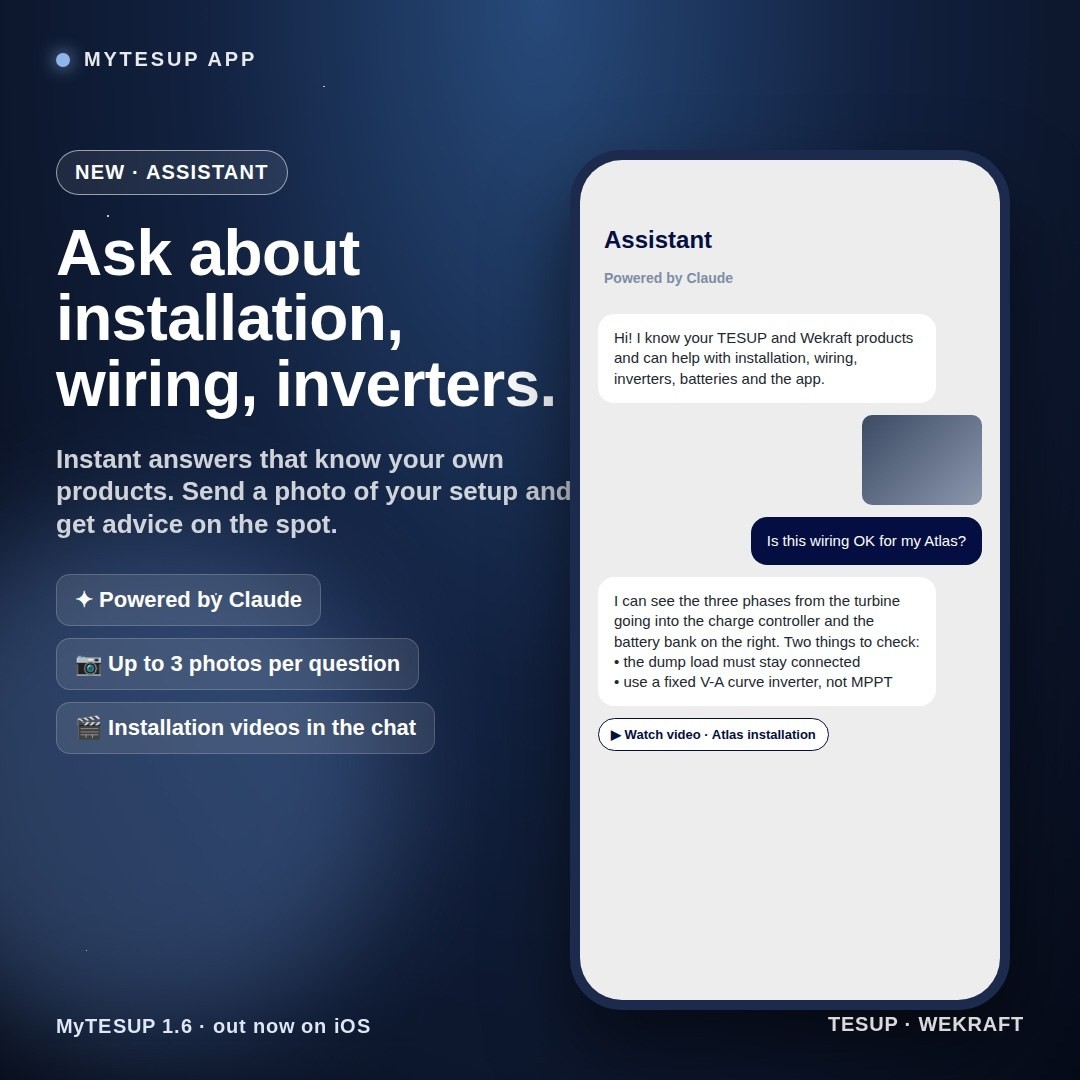
Tap the sparkle button on the home screen and ask anything about installation, wiring, inverters, batteries or the app. The assistant, powered by Claude, already knows which products you own, so you never have to type a serial number. Ask “which inverter should I use?” and you get the straight answer: a fixed V-A curve inverter suits a wind turbine best, and MPPT works too.
Attach up to three photos of your wiring, your controller display or your mounting spot, and it tells you what it sees before it answers. When a human is needed, one tap sends the whole conversation to our support team as a ticket. Every account gets 20 questions a day.
Your site, live.
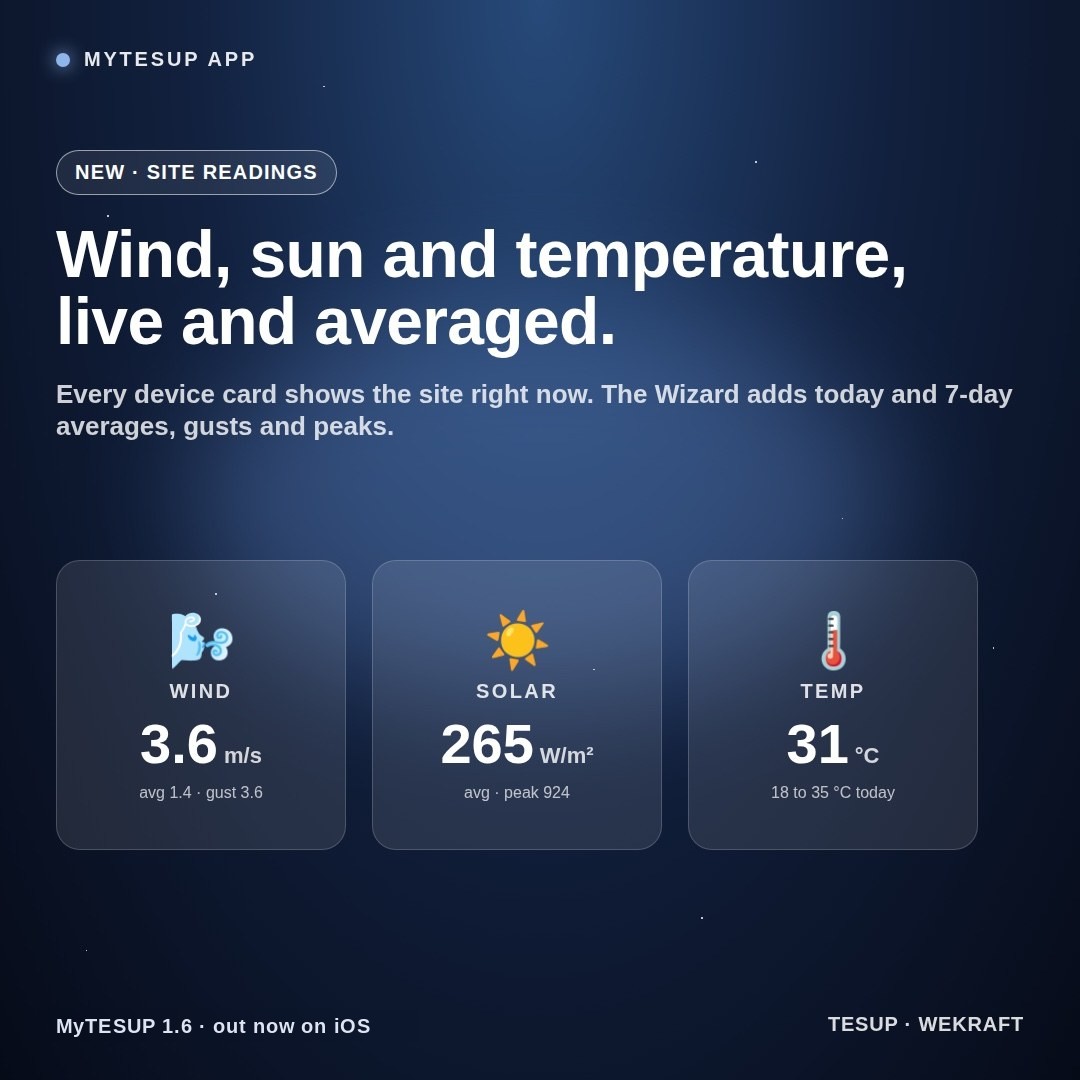
Every device card now shows wind speed, solar irradiance and air temperature from your device’s own sensors, always with the latest known reading. Wizard owners get a Site Summary underneath: average wind with the strongest gust, average sun with the peak, and the day’s temperature range, for today or the last 7 days.
Turbines that look alive.
Atlas, Magnum and Wizard have new pictures, and an Atlas shows the blade set you registered. While your turbine is producing, wind streaks sweep across it on the home screen. When it is idle, it sits still, so a glance tells you the state.
Real numbers from real sites.
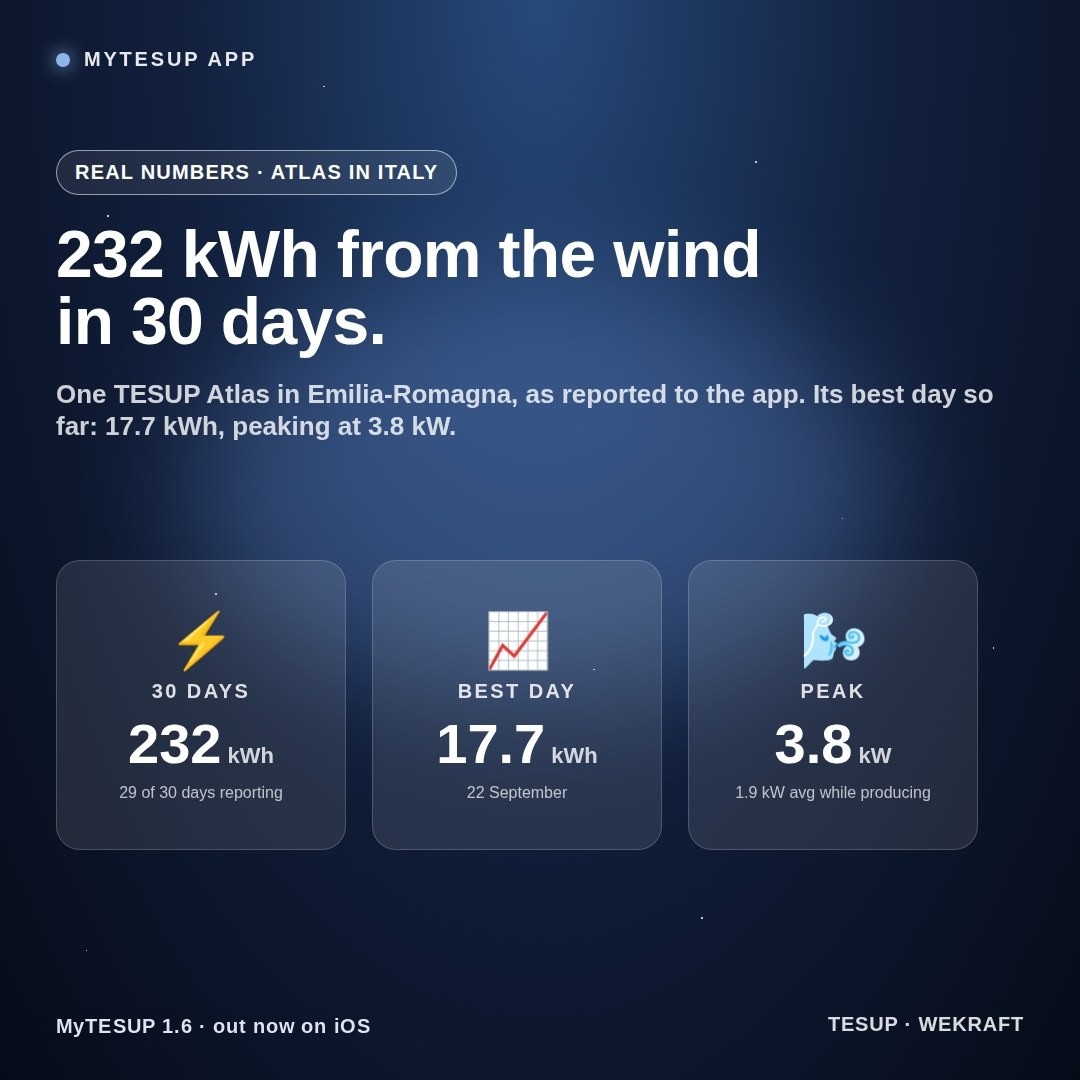
The app is only as good as the data behind it, and some of our customers are sending in a lot of it. One TESUP Atlas in Emilia-Romagna, Italy, reported 232 kWh of wind energy over the last 30 days, with the turbine reporting on 29 of those days. Its best day so far was 22 September at 17.7 kWh, with the turbine averaging 1.9 kW while producing and peaking at 3.8 kW. Every one of those readings came through the app, minute by minute, and the new version shows them the way they deserve: the last 24 hours, the daily energy chart and the site’s wind, sun and temperature side by side.
Your turbine, your site, your assistant. In one app.
Support, without leaving the app.
Open a ticket, attach photos, reply in a chat-style thread and read the team’s answers in the in-app inbox. Alerts from our control panel land there too, and you can reply to any of them.
Also in this release.
- Temperature added to the wind and solar box on every device.
- A labelled Refresh button on every card.
- Installation videos and product pictures appear inside assistant answers as tappable cards.
- The app now requires iOS 15 or later.
How to get it.
Update MyTESUP from the App Store now. Android follows. If you are new to the app, our earlier post Your Wind Turbine, Live in Your Pocket walks through what it already does for every Atlas and Magnum owner.