

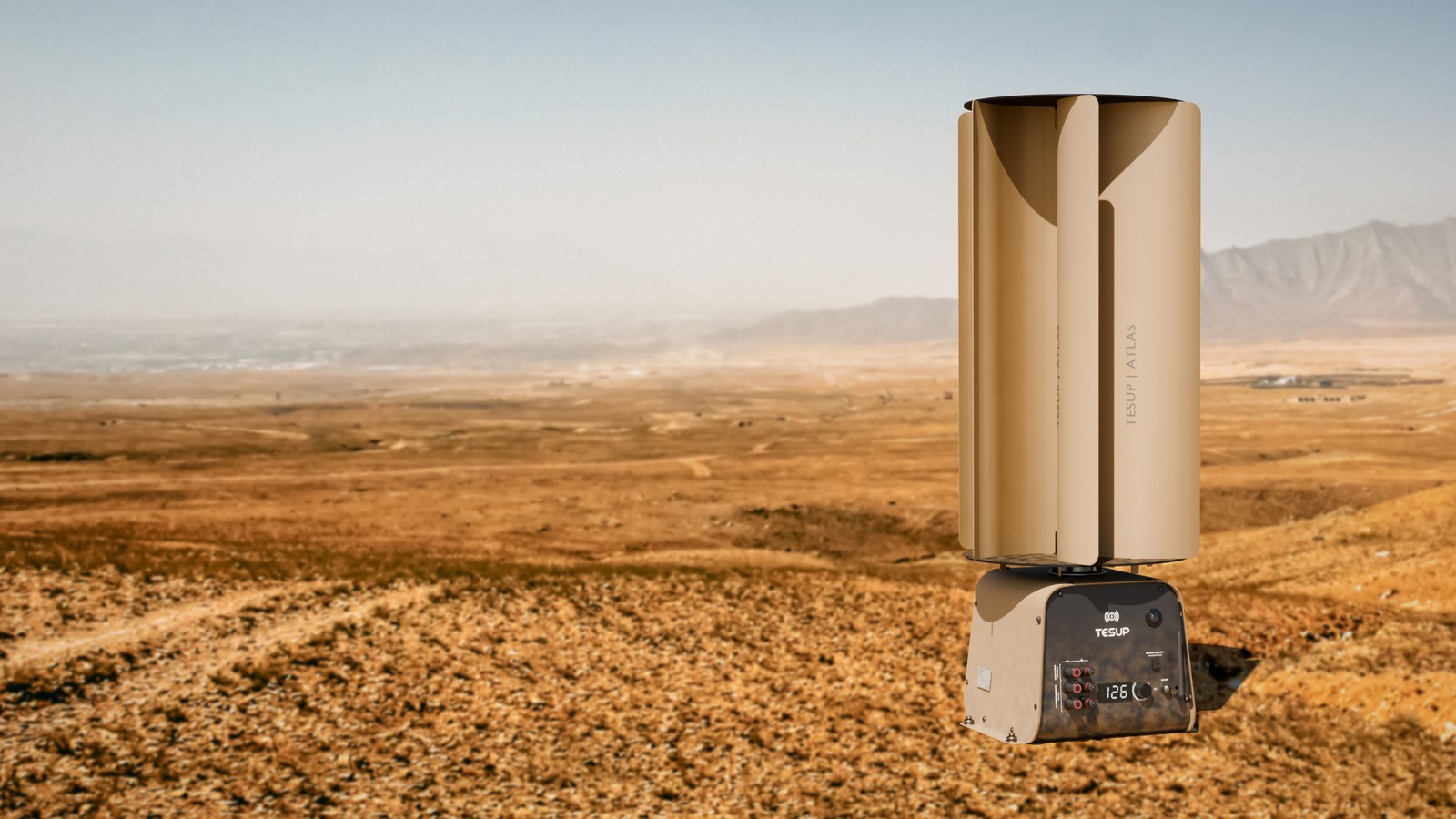
Remote posts need two things the grid can’t give them: power, and a clear view when the light goes. Atlas already makes the power. Now we’re teaching it to see.
Border stations, training grounds, field camps and observation posts all share the same problem. They are far from the grid, and generators are loud, thirsty and need fuel brought in. Atlas is a vertical wind turbine built for exactly those places. It starts turning in a light breeze, keeps working in a storm, and runs at 35–40 dB, quieter than a conversation.
This post shows where Atlas is heading: three field colours, a camera on the face, and what the view looks like on your phone at 2 a.m.
Three colours for the field
Silver looks right on a roof. In the field, you want the turbine to belong to the ground it stands on. We rendered Atlas in three field colours, each matched to the terrain it is meant for.
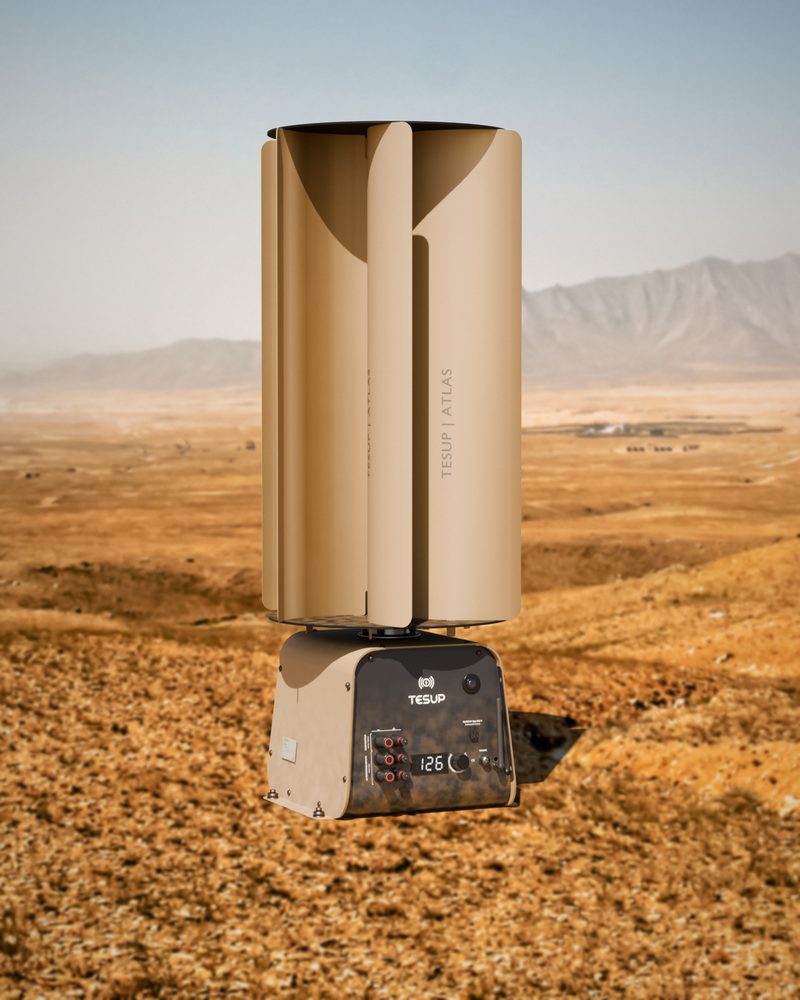
Arid ground, desert and dry scrub.
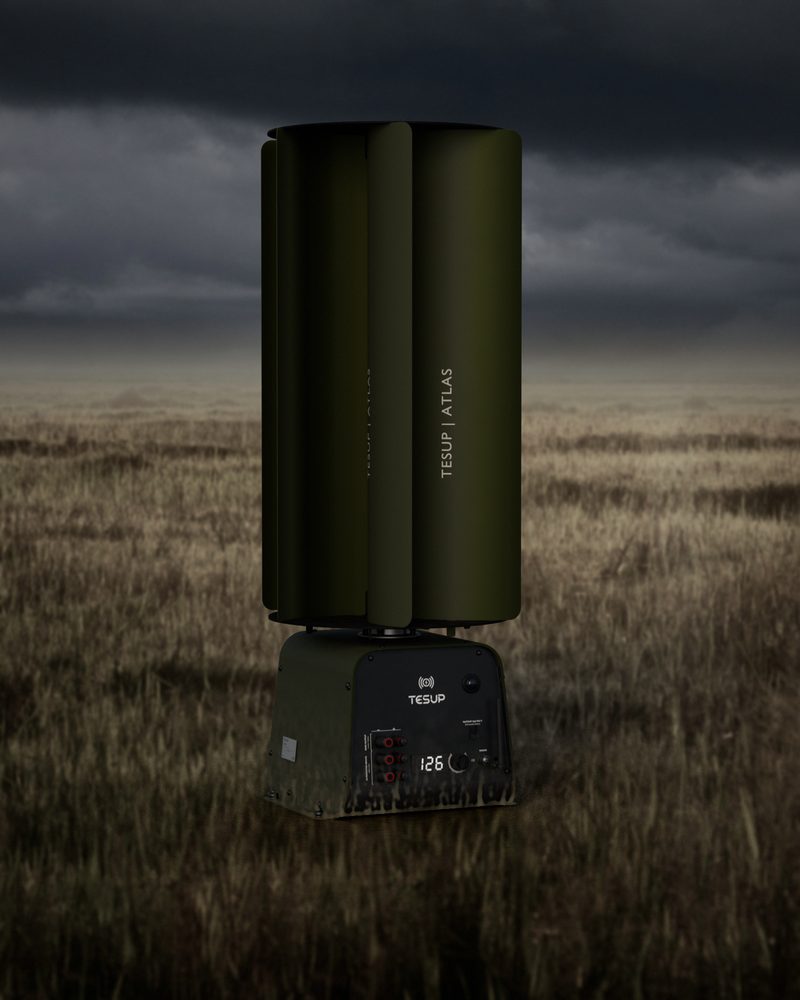
Grassland, farmland and woodland edges.
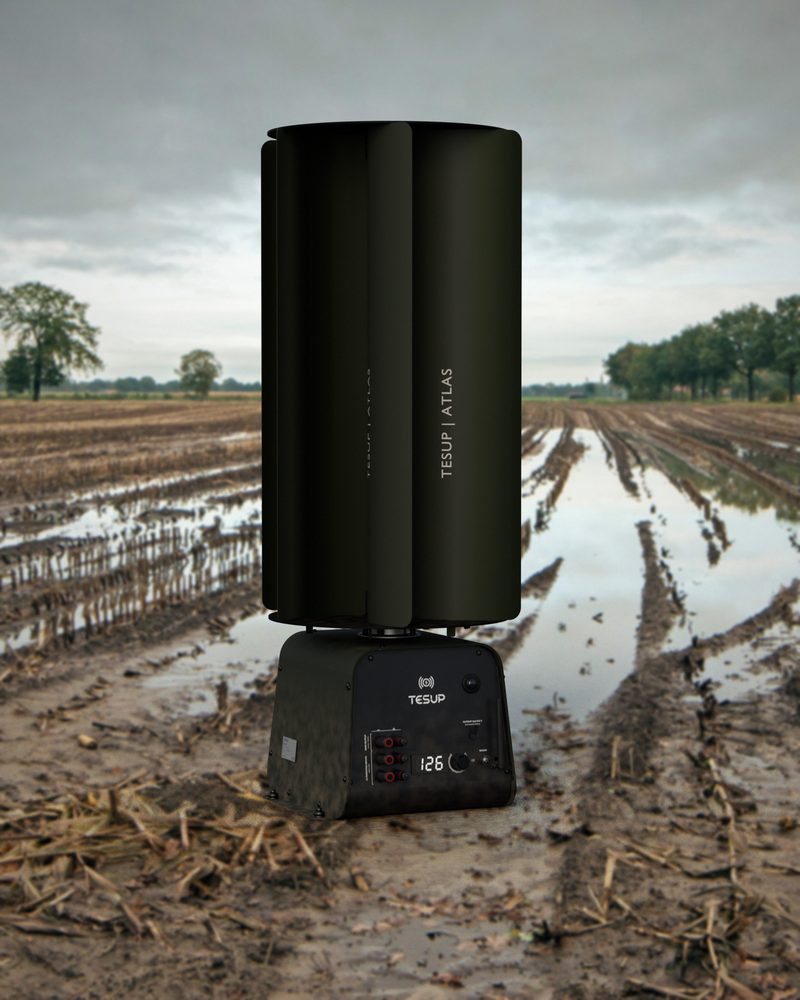
Mud, forest and training areas.
The body, the 6-MC4 face sheet, the All in One flanges and every blade come straight from our production CAD files, down to the blade tabs hammered flat on the top flange. If your project needs Atlas in a specific colour, get in touch through the Atlas page.
A wind turbine that can see
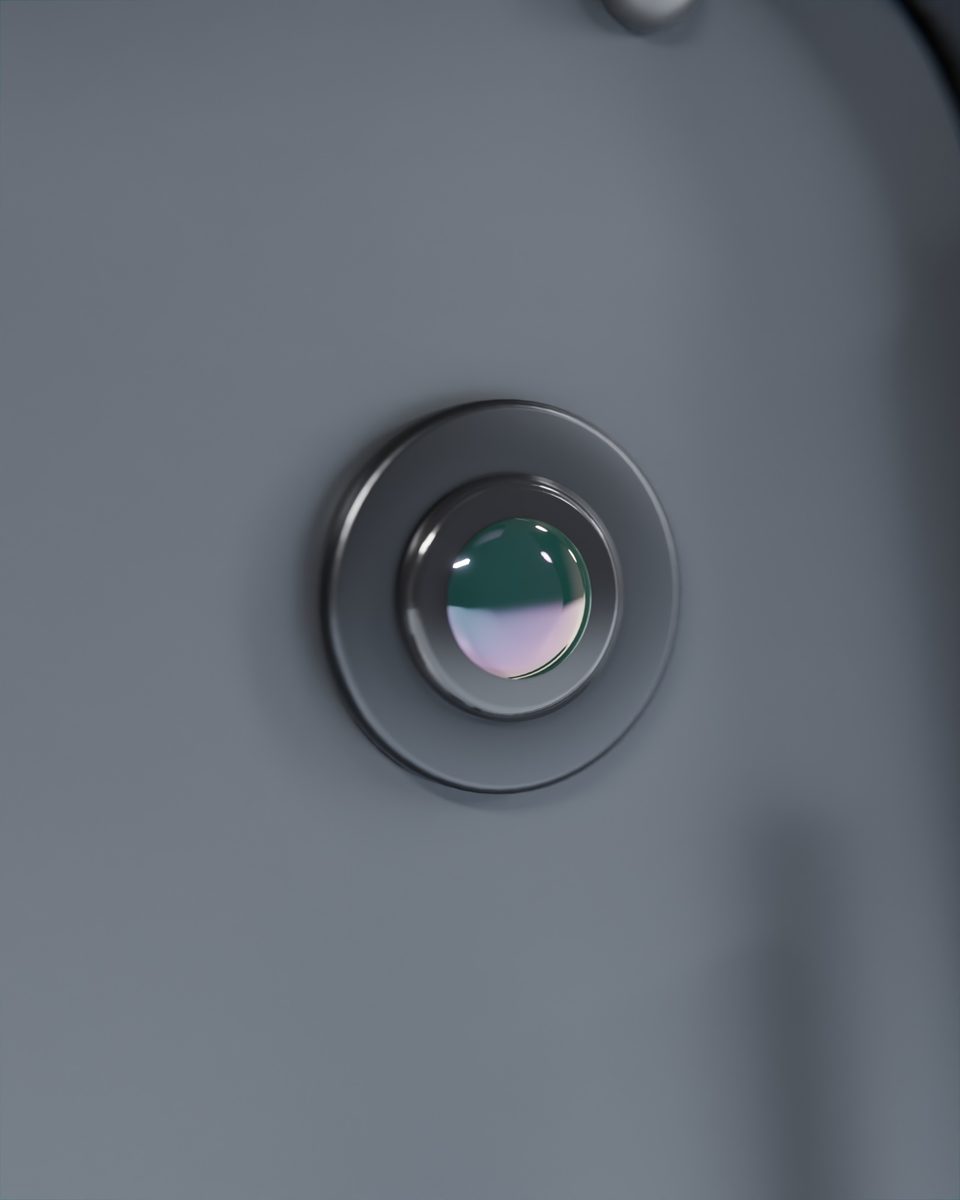
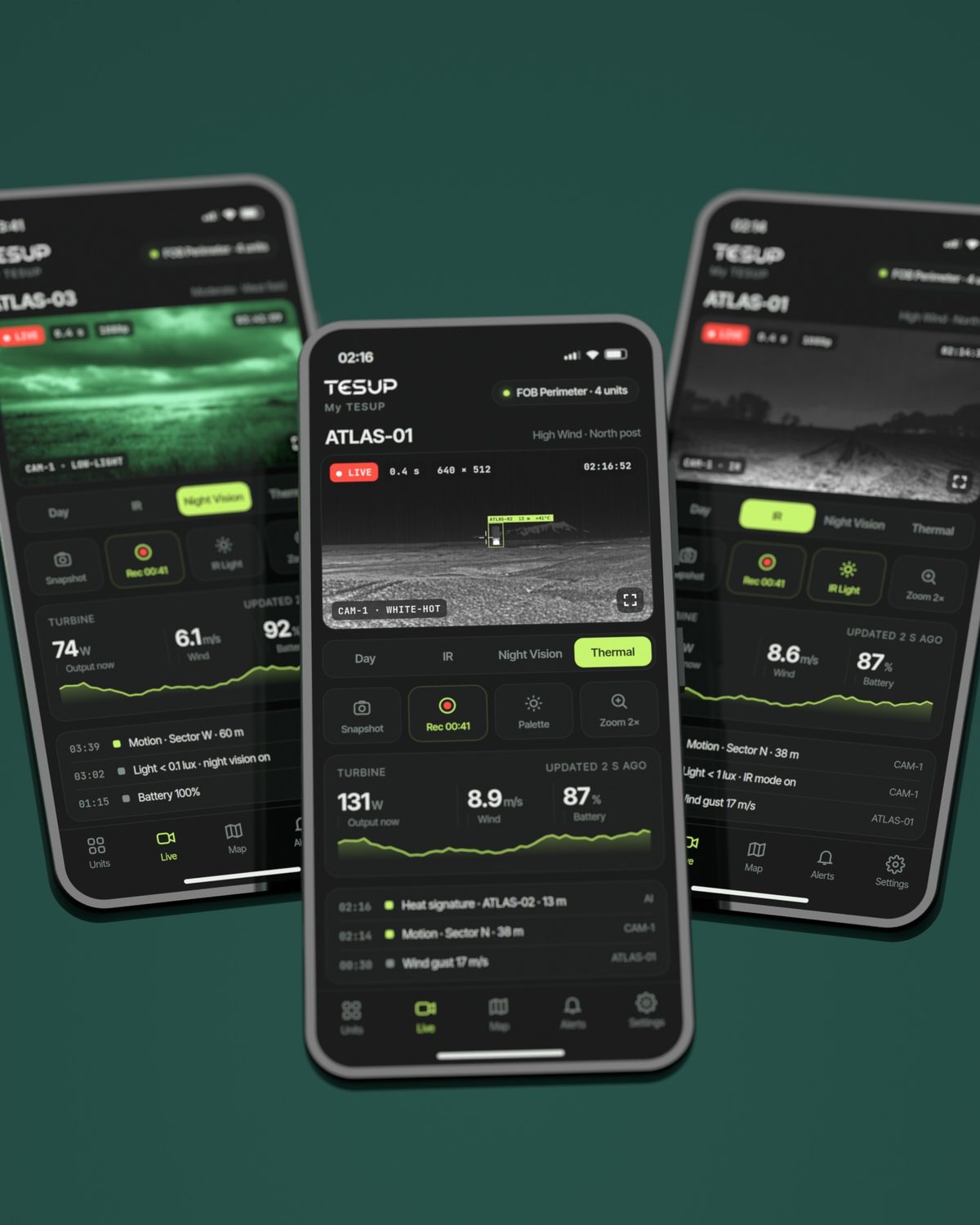
Our R&D team is building a camera into the Atlas face, next to the TESUP logo. It runs on the power the turbine makes and is designed to stream to MyTESUP.
The idea is simple: every Atlas becomes a watch post. Where the turbine stands, you can see, without a separate camera mast or cable run.
The camera module is in development. Specifications may change before release.
Night, on your phone
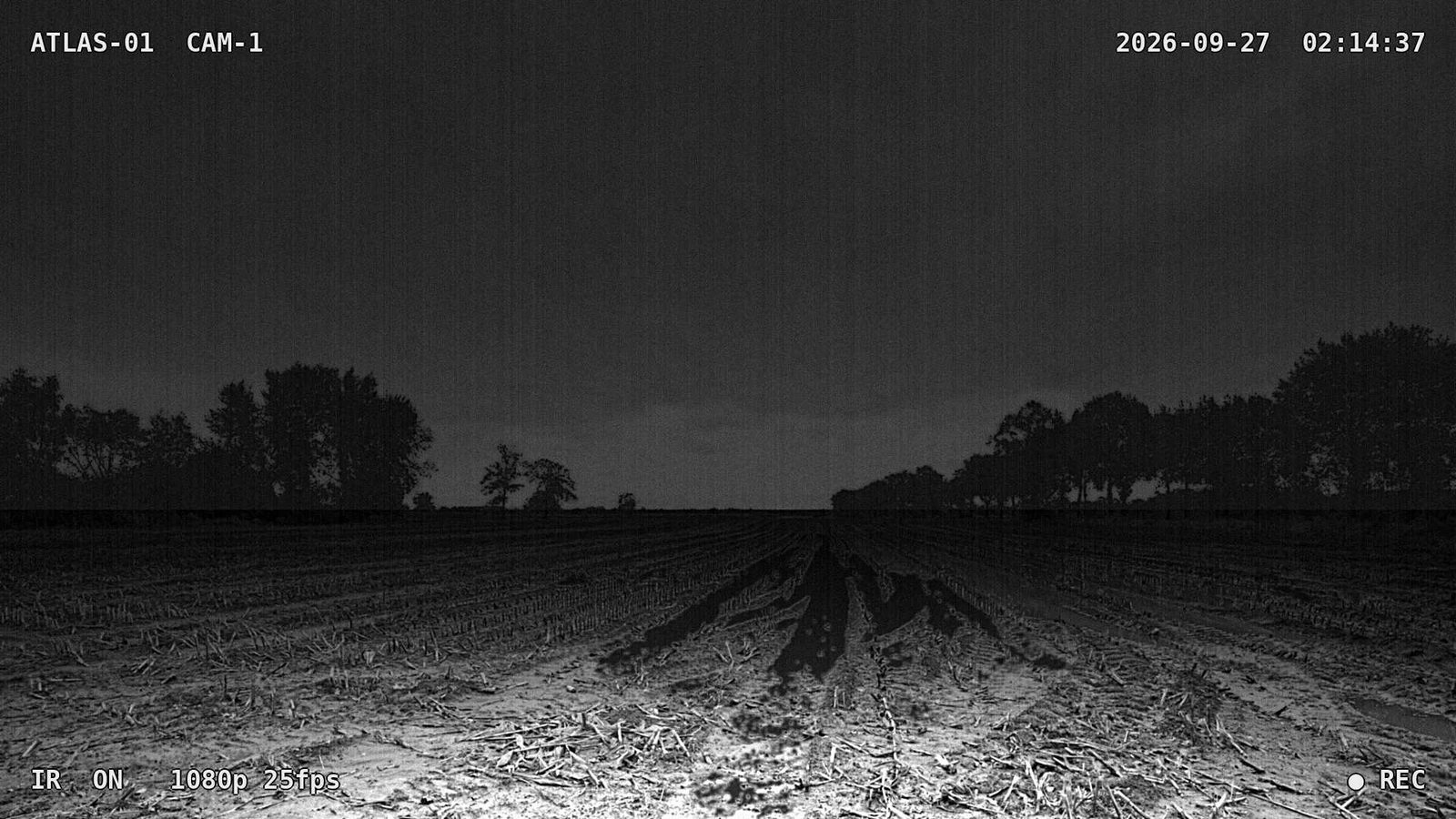
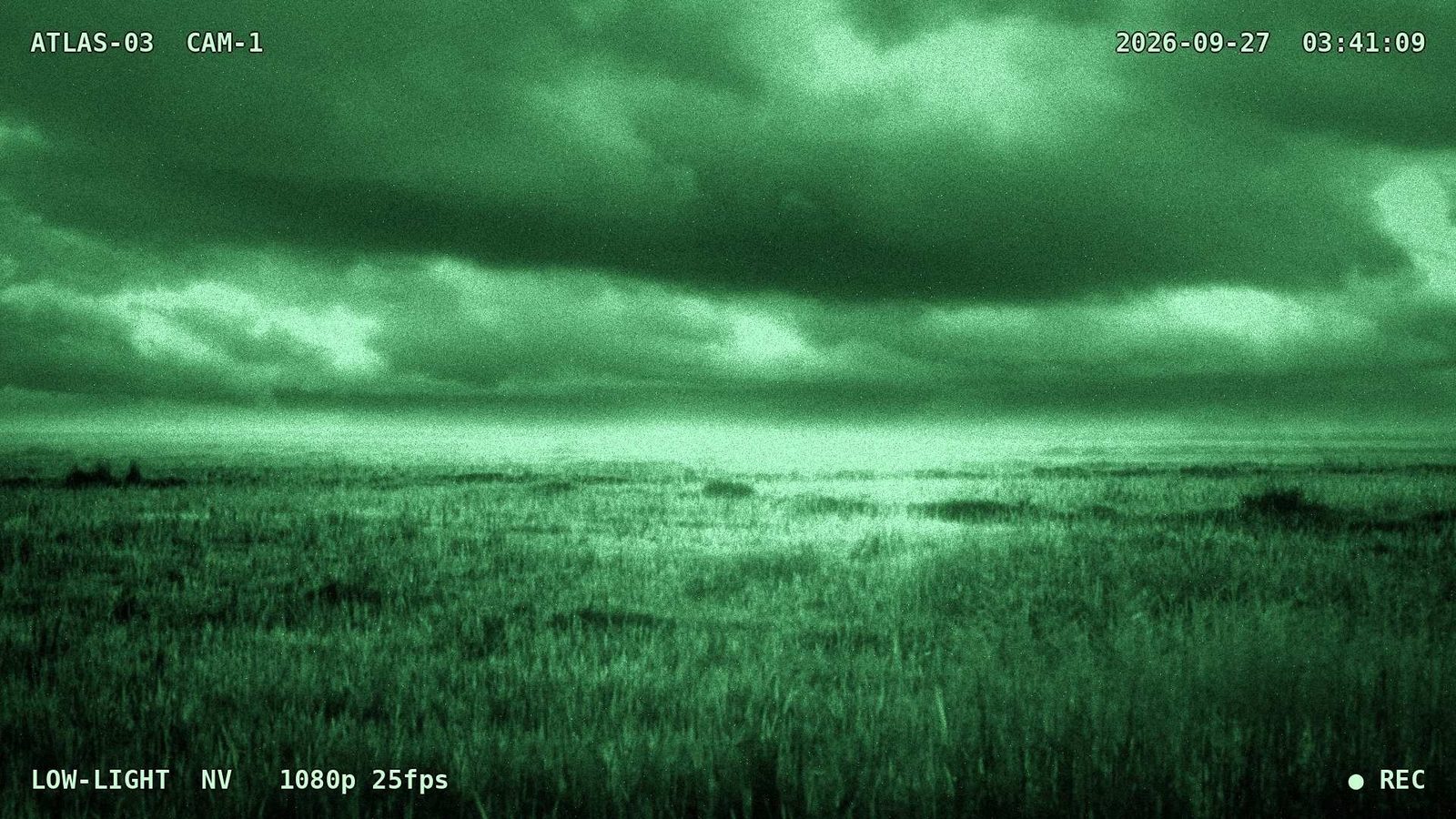
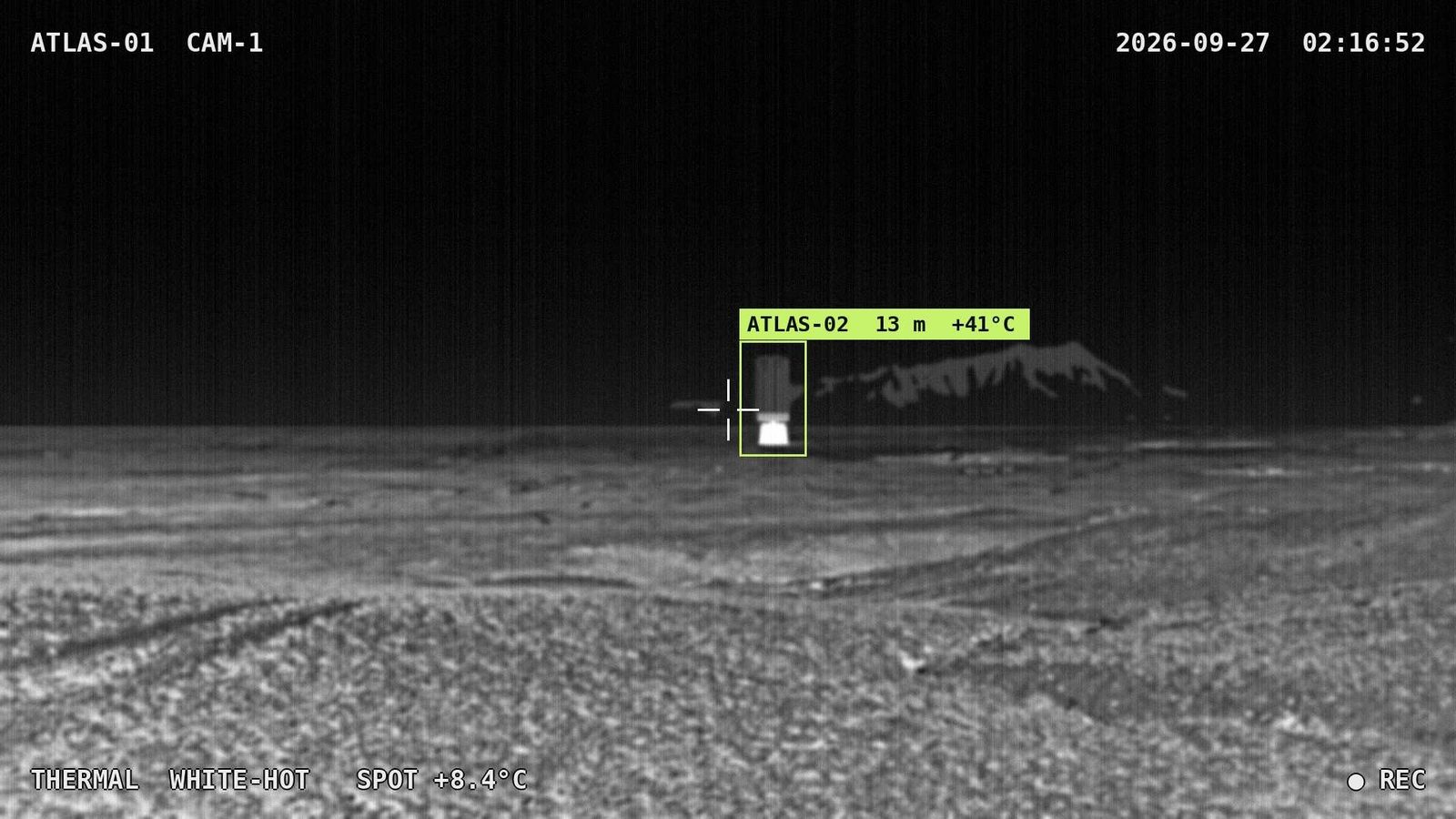
MyTESUP already shows what your turbine is producing and lets you set its voltage limit from 0 to 400 V. With the camera, the same app becomes a live view of the site. Here is what each night mode looks like.
Infrared (IR, black & white)
Night vision (low light, green)
Thermal (white-hot, concept)
Pick the blade set for your site
The same Atlas body takes three blade sets, all fitted to the same All in One flanges. Choose by the wind you actually get, not the wind you hope for.
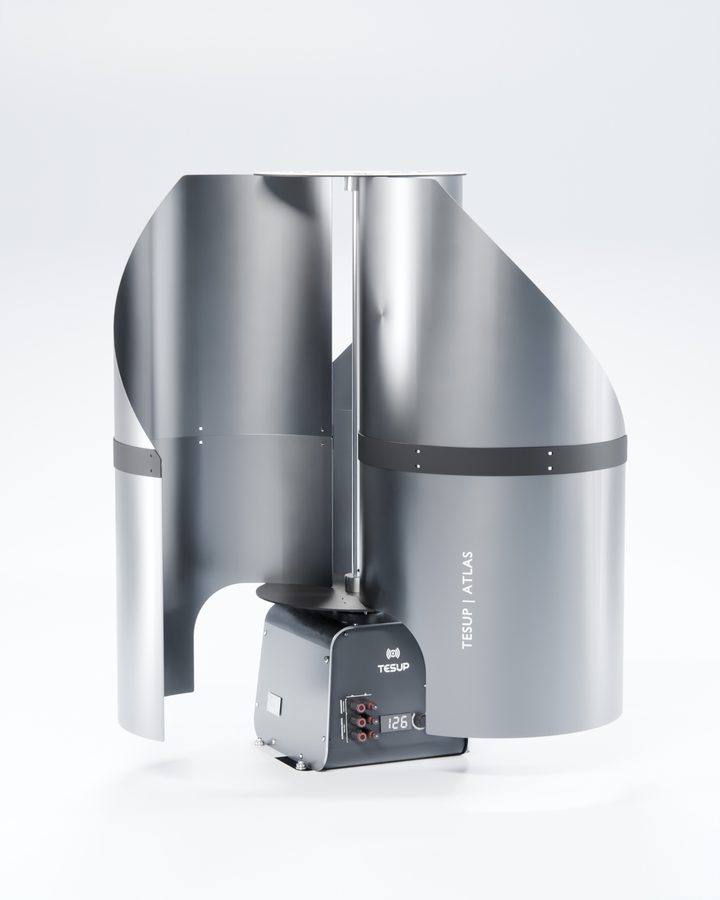
2–20 m/s · 2 kW peak
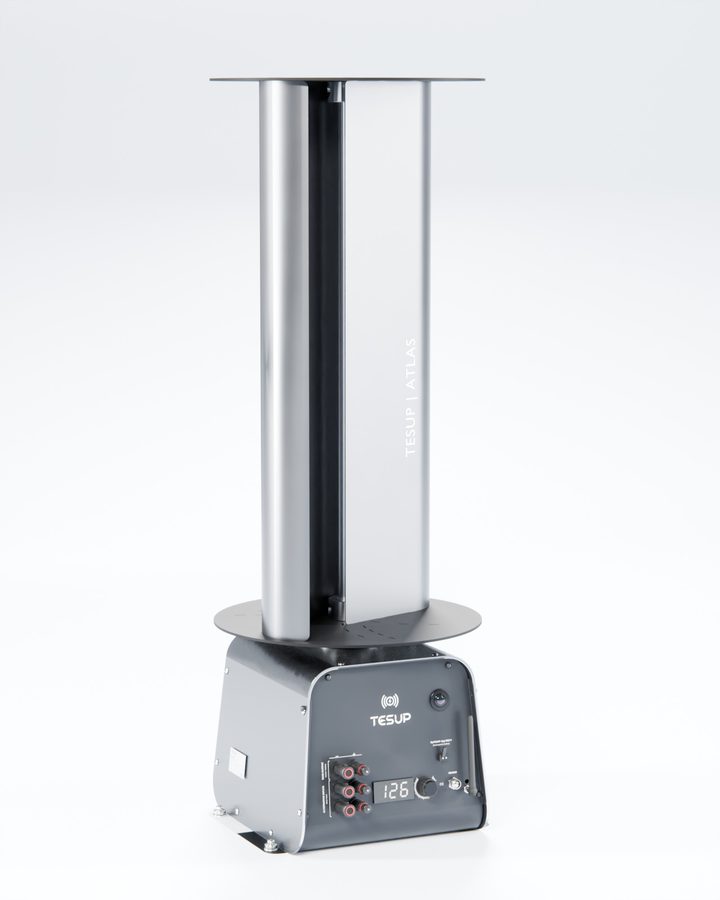
4–25 m/s · 3.8 kW peak
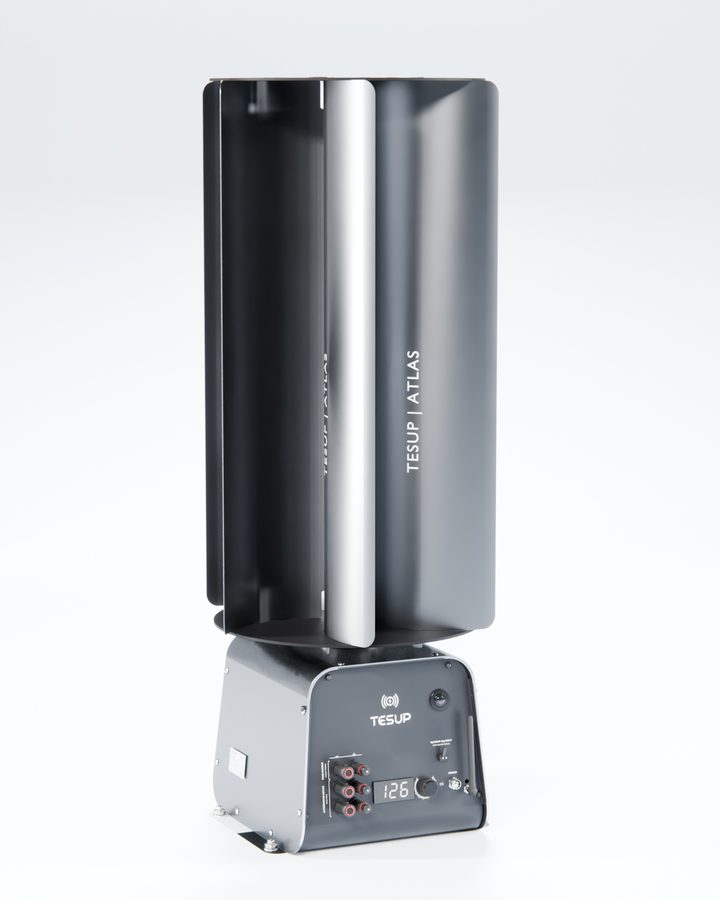
5–35 m/s · 4.5 kW peak
| Blade set | Wind range | Peak output | Best for |
|---|---|---|---|
| Low-Wind | 2–20 m/s | 2 kW | Sheltered sites and light, steady wind |
| Moderate-Wind | 4–25 m/s | 3.8 kW | Open ground and most field camps |
| High-Wind | 5–35 m/s | 4.5 kW | Ridges, coasts and storm-prone posts |
Power and eyes, off-grid
See the full Atlas specifications and blade options, or find out more about MyTESUP.
Explore AtlasAbout MyTESUP